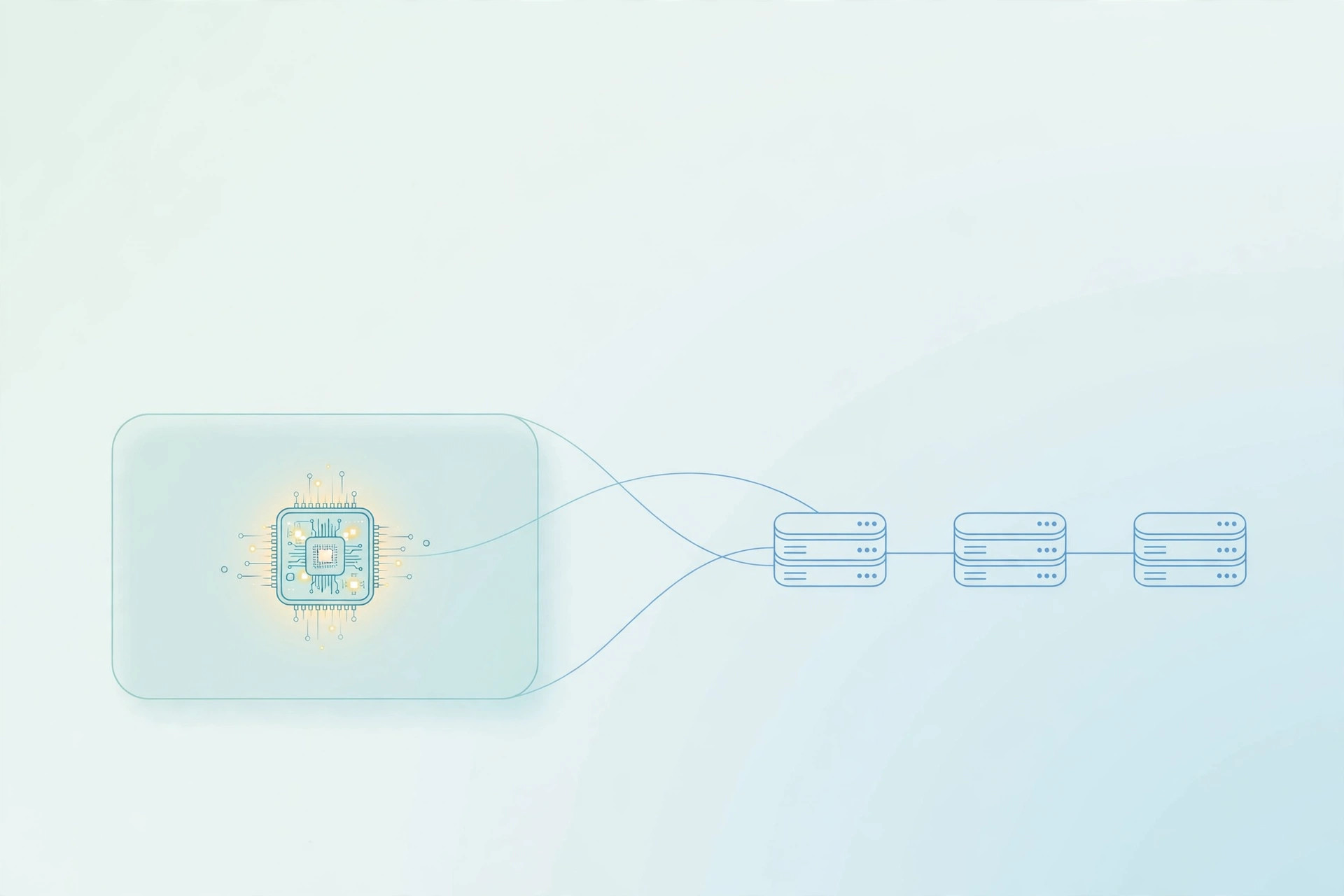
For two years, self-hosting an open-weight model on Kubernetes meant picking your pain: build a custom image per model, or maintain a serving stack yourself. NVIDIA's model-free NIM containers remove the first pain. They are NVIDIA-maintained builds of the vLLM or SGLang inference engines that ship with no model weights inside. You point one image at a model at start time with NIM_MODEL_PATH, using hf://, ngc://, s3://, gs://, modelscope://, or a local path, and NIM generates a runtime manifest, picks a profile, and serves the model. The two images are nvcr.io/nim/nvidia/vllm-model-free-nim and nvcr.io/nim/nvidia/sglang-model-free-nim. NIM 2.1.5 bundles vLLM 0.31.0 and SGLang 0.5.21, according to the NIM release notes as checked on November 4-5, 2026. Both expose an OpenAI-compatible API on port 8000, health checks at /v1/health/live and /v1/health/ready, and the engine's native Prometheus metrics at /v1/metrics.
The five things that decide whether the pod runs
Five things decide whether the pod ever runs: GPU quota and a GPU node pool, a GPU driver and device plugin such as the NVIDIA GPU Operator, registry credentials when your tag needs them, model-source credentials, and a persistent volume mounted at /opt/nim/.cache so the generated manifest and downloaded weights survive restarts. Before any of that, run the support check. NVIDIA's docs put the limit plainly: if a model's architecture is unsupported by the inference backend in your container, it is also unsupported by NIM. Read the architectures field in the checkpoint's config.json, then check it against the bundled vLLM or SGLang version before you rent a GPU. Gated Hugging Face models need an HF_TOKEN secret, and the first start from a remote URI needs network access so NIM can generate and cache the manifest. Test with a plain docker run first, then wrap the same image in Kubernetes with GPU resource limits, a readiness probe on /v1/health/ready, and a persistent volume claim for the cache.
VRAM math, and which engine to pick
Budget 2 bytes per parameter at BF16 or FP16, 1 byte at FP8, and 0.5 bytes at INT4, plus KV cache for the context you actually serve. A Llama 3.1 8B fits one 24 GB GPU, while a 70B model at BF16 is about 141 GB of weights on disk and needs tensor parallelism across several GPUs. Pick the engine by workload, not by benchmark ranking: the vLLM image brings PagedAttention, continuous batching, and the broadest architecture coverage, while the SGLang image brings RadixAttention prefix caching and strong structured output, a good fit for multi-turn agent loops. Our vLLM serving guide covers the measure-first discipline for the engine itself, and our local LLM guide covers the single-machine end of the same problem, where Ollama is the simpler first step.
The licensing catch, and the break-even
Prototype on free NIM if you like, but decide before launch whether you are paying for it or porting to plain vLLM, because the port gets harder after launch. NVIDIA's Developer Program covers self-hosted NIM for research, application development, and experimentation on up to 16 GPUs, according to NVIDIA's NIM FAQ. Production, meaning any use serving real end users, needs NVIDIA AI Enterprise, listed at $4,500 per GPU per year as checked on October 29, 2026. Against cheap hosted open-weight APIs, the token-price break-even sits in the billions of tokens per month. Self-host for data residency, model control, or high sustained utilisation, not to save money on a small workload. If you want the GPU sizing, the Kubernetes manifests, and the cost math for your own model checked by someone who runs infrastructure for a living, book a free infra audit with DevOpsBY.
Disclaimer: This post is educational only, not financial advice. Figures are as reported by the sources on 2026-11-16 and may change - always confirm version numbers, requirements, and prices in the official docs before acting on them.